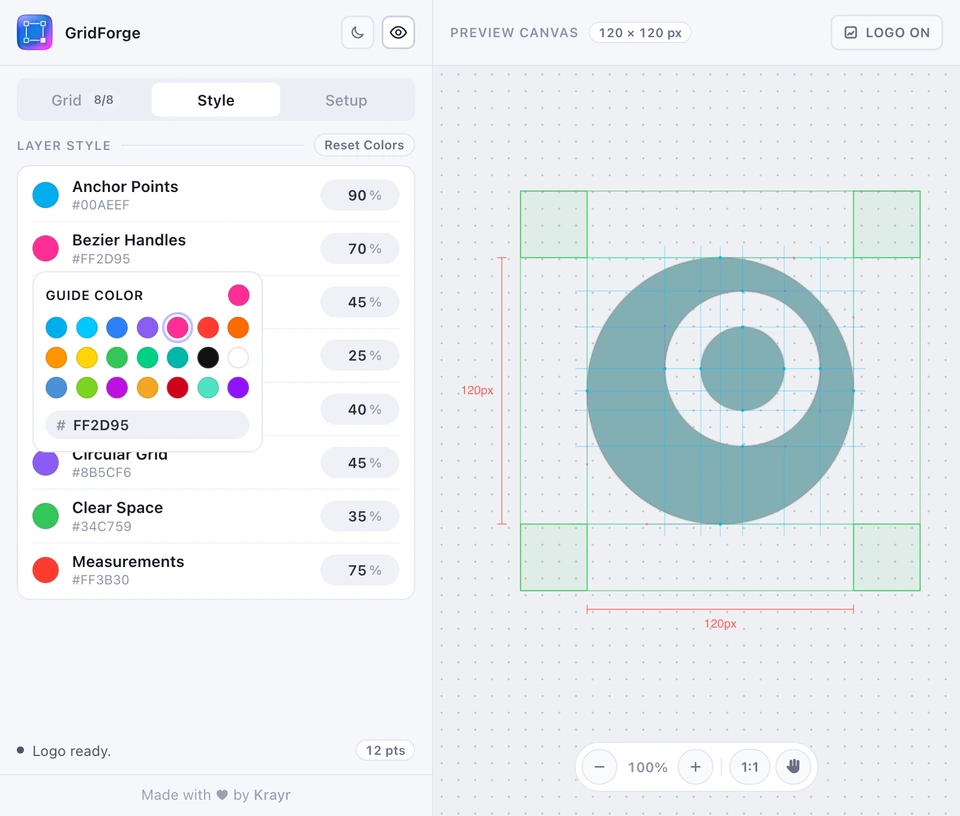
Give every layer its place.
Choose colors and opacity for eight layers. Let the construction lines sit quietly behind the mark, or bring its anchors and handles forward.
 GridForge
Figma Design plugin
Logo grids,
forged clean.
Turn a vector mark into editable curves, guides, and measurements. Keep the artwork intact.
Explore the presetsFree plugin · v1.0.0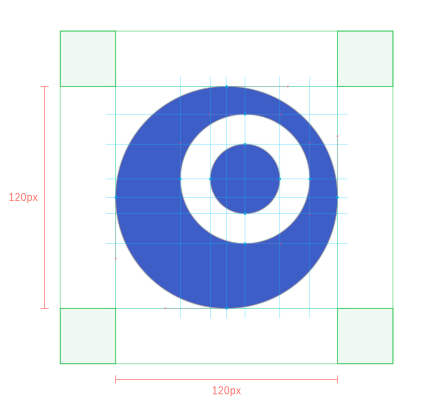
Construction presets
The complete construction drawing.
Inside the plugin
Choose colors and opacity for eight layers. Let the construction lines sit quietly behind the mark, or bring its anchors and handles forward.
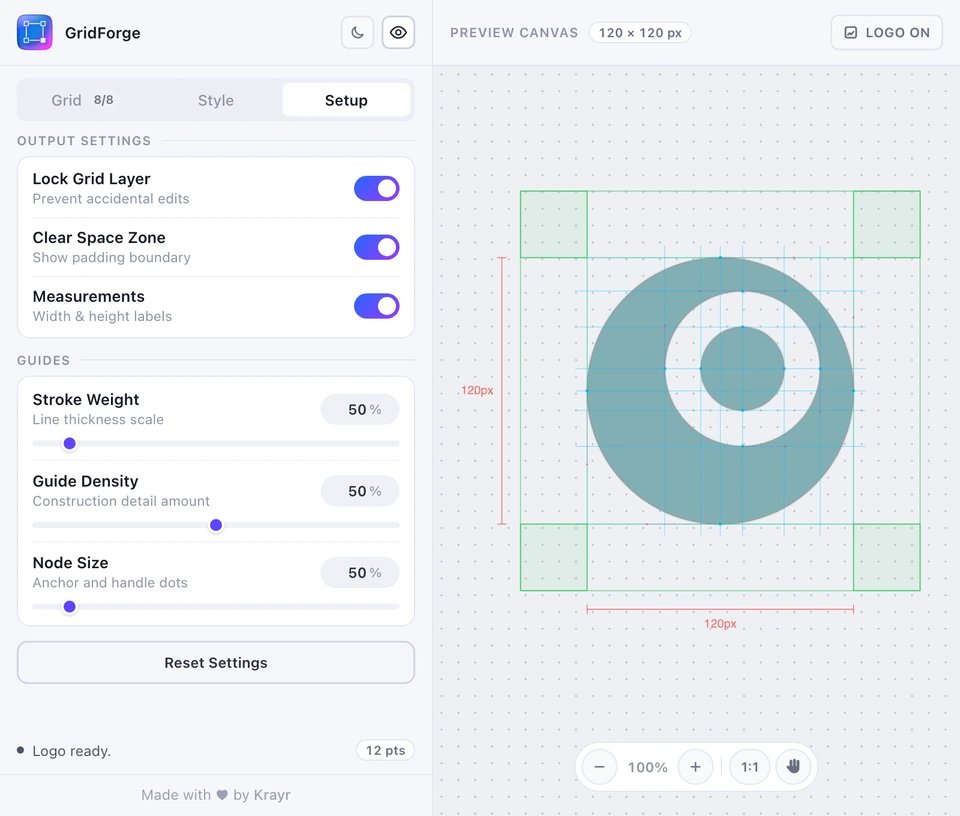
Adjust stroke weight, guide density, and node size before generating. Add clear space and dimensions when the drawing is ready to share.
Good to know
Yes. All presets, styling, and output controls are free. There are no subscriptions or license keys. The Figma Community release is coming soon.
Select vector paths, rectangles, ellipses, or a group containing them. GridForge uses their geometry, so use vectors rather than a flattened image.
Your logo stays in place. Guides are editable Figma layers inside a separate GridForge group. Generating again replaces the previous GridForge output on the page.
No. GridForge processes your selection inside Figma and does not request network access.
Email support@krayr.io with the preset you used and what you expected to happen.